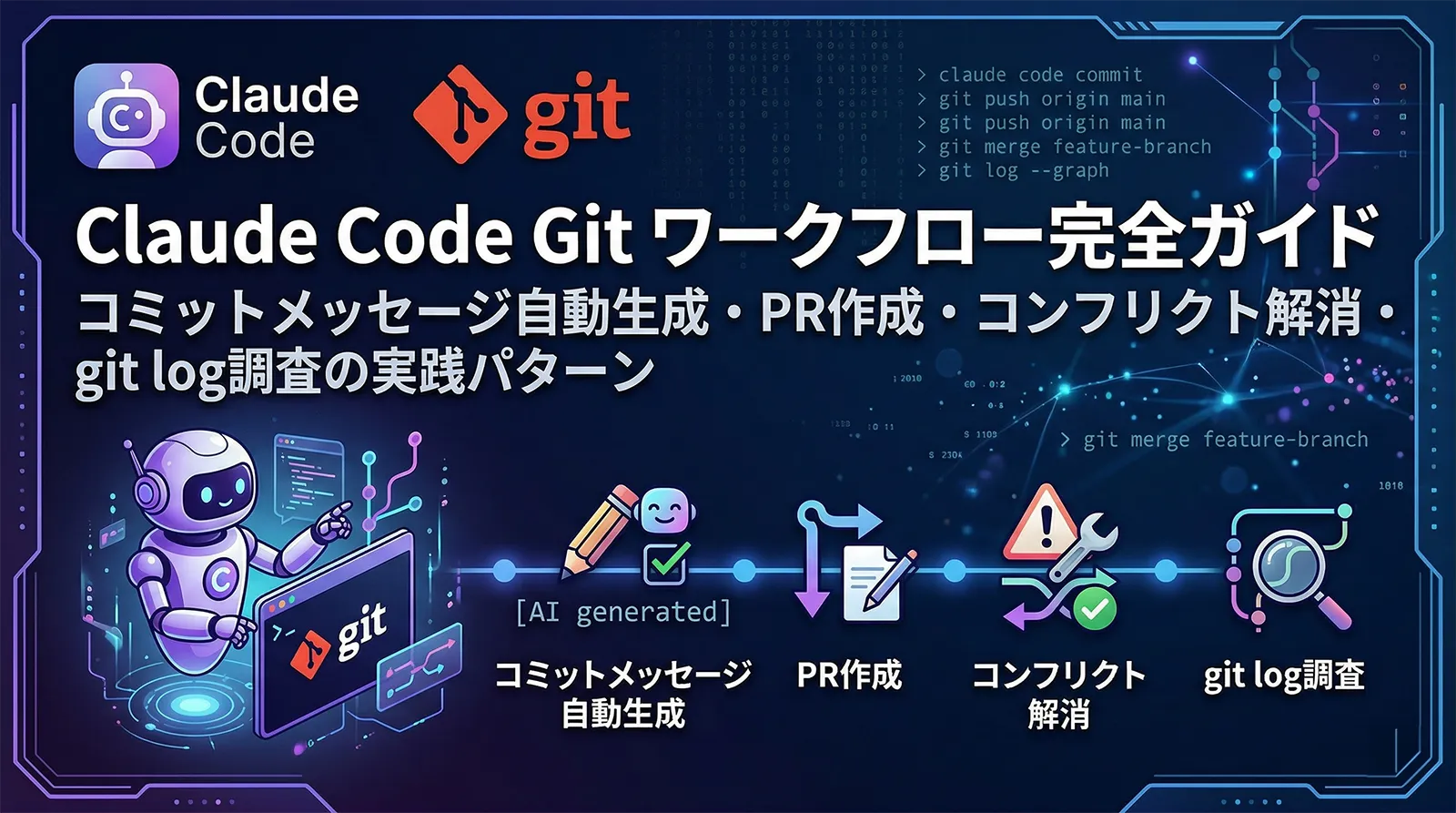
Claude Codeはコード生成だけでなく、gitの操作もネイティブに支援します。コミットメッセージの自動生成・PR作成・マージコンフリクトの解消・git blame/logを使った歴史調査まで、日常的なgit作業の多くをClaude Codeに委ねられます。
この記事では、Claude Codeのgit統合機能を網羅的に解説します。GitHub Actionsを使ったCI/CD自動化はGitHub Actions完全ガイドを、ブランチを並列で使う方法はWorktree完全ガイドを参照してください。
Claude CodeのGit統合機能の概要
Claude Codeはgitリポジトリを開いた時点で以下を自動で把握します。
- staged diff:現在のステージング状態を把握してコミットメッセージ生成に活用
- ブランチ名・履歴:作業ブランチ・マージベース・直近のコミットを確認
- コンフリクトマーカー:
<<<<<<<・=======・>>>>>>>を自動検出 - CLAUDE.mdのgitルール:コミットメッセージ規約・ブランチ命名規則・保護ブランチ設定を読み取る
| 機能 | 操作方法 |
|---|---|
| コミットメッセージ生成 | /commitコマンドまたは「create a commit」と依頼 |
| PR作成 | 「create a pr」または「gh pr create」を含む依頼文 |
| PRセッション再開 | claude --from-pr <PR番号> |
| コンフリクト解消 | 「resolve the merge conflicts」と依頼 |
| git履歴調査 | 「look at the git history of X」と自然言語で依頼 |
コミットメッセージ自動生成
/commit コマンドの使い方
/commitコマンドを実行すると、staged diffを分析してConventional Commits形式のコミットメッセージを自動生成します。feat:・fix:・refactor:・docs:などのプレフィックスも自動で判断します。
# 変更をステージングしてから /commit を実行
git add src/auth/login.ts tests/auth/login.test.ts
/commit
# Claude が差分を分析してメッセージを生成し、確認後にコミット実行

# または自然言語で依頼
claude "stage the changes in src/auth/ and create a commit"
# 規約を明示してメッセージを生成させる
claude "review the staged changes and write a commit message following these rules:
- Use Conventional Commits format (type(scope): description)
- Type must be one of: feat, fix, refactor, test, docs, chore
- Scope is the affected module name
- Description in Japanese
- Body should explain WHY not WHAT
Then commit"
CLAUDE.mdに「Commit message format: <type>(<scope>): <description> in Japanese」のように規約を記載しておくと、毎回の指定が不要になります。CLAUDE.mdの書き方はCLAUDE.md完全設計ガイドを参照してください。
git差分を見せてコミットメッセージを生成する
stagingなしでも差分をClaudeに見せてメッセージを考えさせることができます。レビュー前のドラフト作成や、複数のコミットに分割すべきか確認する際に使えます。
# 全変更をClaudeに見せてコミット分割を提案させる
git diff | claude "Review these changes and suggest how to split them into
logical commits. For each proposed commit, list the files it should include
and write a Conventional Commits message."
PR作成の自動化
自然言語でPRを作成する
Claude Codeはghコマンド(GitHub CLI)を使ってPRを自動作成します。現在のブランチとベースブランチの差分・コミット履歴を分析して、タイトル・説明・変更の概要・テスト方針を自動生成します。
# 基本のPR作成
claude "create a pull request for this branch"

# テンプレートを指定してPR作成
claude "create a pull request with:
- Title summarizing the feature
- Description including: what changed, why, how to test
- List of affected files
- Any breaking changes or migration steps needed"
# UIの変更を含むPRでスクリーンショットを自動添付
claude "start the dev server, take screenshots of the before/after states
of the navbar component, then create a PR with those screenshots embedded
in the description"
PR作成にはGitHub CLI(
gh)のインストールと認証が必要です。gh auth loginで認証を済ませておいてください。GitHubのPR自動化をCI/CDに組み込む方法はGitHub Actions完全ガイドを参照してください。–from-pr でPRセッションを再開する
claude --from-pr <PR番号>またはclaude --from-pr <PR URL>で、Claude Codeが作成したPRのセッションを再開できます。レビュアーのフィードバックを受けて修正するときに便利です。
# PR番号を指定してセッション再開
claude --from-pr 123

# PR URLを指定
claude --from-pr https://github.com/org/repo/pull/123

# セッション再開後は、レビューコメントの対応を依頼できる
claude "address all the review comments on this PR"
--from-prが有効なのはClaude CodeがそのマシンでPRを作成したセッションのみです。セッションはローカルの~/.claude/projects/に保存されているため、別のマシンや手動で作成したPRでは利用できません。マージコンフリクトの解消
コンフリクト解消の基本ワークフロー
Claude Codeはコンフリクトマーカーを検出して両ブランチの変更意図を理解しながらマージします。単純なテキスト差分ではなく、コードのセマンティクスを考慮した統合ができるのが特徴です。
# コンフリクトが発生したままコミットせずにClaudeに渡す
git merge feature/new-auth
# Auto-merging src/auth/session.ts
# CONFLICT (content): Merge conflict in src/auth/session.ts

claude "resolve the merge conflict in src/auth/session.ts.
The goal of this branch is to add JWT refresh token support.
The main branch changes updated the session timeout logic.
Both changes should be preserved."
# コンフリクトのあるファイルを確認してから一括依頼
git diff --name-only --diff-filter=U

claude "resolve all merge conflicts. This branch adds multi-factor authentication.
The main branch fixed several security vulnerabilities.
Preserve both sets of changes. After resolving, run npm test."
推奨設定:diff3スタイルを使う
デフォルトのコンフリクト表示では「ours」と「theirs」の2バージョンしか表示されません。diff3スタイルに設定するとマージベース(共通の祖先)も表示され、Claudeがより正確に変更意図を把握できます。
# グローバル設定(推奨)
git config --global merge.conflictstyle diff3

# 設定後のコンフリクト表示例:
# <<<<<<< HEAD
# function authenticate(user) { ... }  ← 現在のブランチ
# ||||||| merged common ancestor
# function auth(user) { ... }          ← 共通の祖先
# =======
# function authenticate(user, mfa) { ... }  ← マージするブランチ
# >>>>>>> feature/mfa
git blame・git logを使った履歴調査
なぜこのコードが書かれたかを調査する
Claude Codeはgit blameとgit logを組み合わせて、コードの変更経緯・設計判断の理由・バグの混入時期を調査できます。レガシーコードのリファクタリング前調査や、バグの根本原因分析に特に有効です。
# 特定のクラス・関数の変更経緯を調査
claude "look through ExecutionFactory's git history and summarize:
- How the API has evolved over time
- Why major design decisions were made (look at commit messages and PR descriptions)
- Any patterns in what types of changes are common"

# 特定の行がいつ・なぜ追加されたか調査
claude "check the git blame for line 142 in src/auth/token.ts and investigate
why the 30-minute expiry was changed to 15 minutes. Look at the commit and
any linked issue/PR."
バグの混入コミットを特定する
# 特定の症状がいつから発生し始めたか調査
claude "the login timeout bug was reported last week. Use git log to find
commits that touched src/auth/ in the past 2 weeks. Check each suspicious
commit's diff to identify which change could have introduced this behavior."

# git bisect的な調査をClaudeに依頼
claude "run git log --oneline --graph --since='2 weeks ago' -- src/auth/
and identify commits most likely to have caused a session timeout regression.
List them in order of suspicion with reasons."
コードベースの変更統計を取得する
# 変更頻度の高いファイルを特定(バグが多い可能性が高い)
claude "run git log and identify the top 10 most frequently changed files
in the past 6 months. List them with change count and likely reasons."

# 特定の機能エリアのコントリビューター一覧
claude "who has worked on src/payments/ in the past year?
Summarize each person's main contributions."
cherry-pick・rebaseの自然言語操作
cherry-pick
cherry-pickも自然言語で依頼できます。コンフリクトが発生した場合も自動で解消します。
# 特定のコミットをcherry-pick
claude "cherry-pick commit abc1234 from the release branch into main.
If there are conflicts, resolve them by keeping the main branch logic
but incorporating the bug fix from the cherry-picked commit."

# 複数コミットをcherry-pick
claude "cherry-pick the commits related to the CSV export fix from
feature/csv-export into the hotfix branch. Run tests after each cherry-pick."
インタラクティブrebase
# コミット履歴を整理してPRをクリーンにする
claude "clean up the last 6 commits on this branch before I create a PR:
- squash the 3 'fix typo' commits into the commit they're fixing
- reword any vague commit messages to be more descriptive
- keep the order logical (feat first, then tests, then docs)"

# fixupコミットを自動的に整理
claude "I have several 'fixup' commits that should be squashed into
their parent commits. Use interactive rebase to clean up the history."
すでにpushされている共有ブランチでrebaseすると他の開発者の履歴が壊れます。Claude Codeも「既にpushされたコミットのrebaseは危険」と判断した場合は警告を出します。rebaseはローカルのみ(または自分専用のfeatureブランチ)で使用してください。
ブランチ戦略とCLAUDE.md設定
CLAUDE.mdにgitルールを記載する
チームのgit規約をCLAUDE.mdに記載しておくと、Claude Codeがブランチ名・コミットメッセージ・PR作成のルールを自動で遵守します。
## Git Workflow

### Branch naming
- Features: `feat/<short-description>` (e.g., feat/user-auth)
- Bug fixes: `fix/<issue-number>-<short-description>` (e.g., fix/123-login-timeout)
- Hotfixes: `hotfix/<short-description>`
- Never push directly to `main` or `develop`

### Commit messages
Follow Conventional Commits format:
- `feat(scope): description` — new feature
- `fix(scope): description` — bug fix
- `refactor(scope): description` — code change without behavior change
- `test(scope): description` — test changes
- `docs(scope): description` — documentation only
- Description in Japanese
- Body: explain WHY, not WHAT

### PR rules
- PR title must match the commit message format
- All tests must pass before requesting review
- Include screenshots for UI changes
- Reference the related issue number (Closes #123)
保護ブランチの設定
Claude Codeはデフォルトで以下の安全制約を持っています。CLAUDE.mdで追加の保護ブランチを指定することもできます。
| 制約 | デフォルトの動作 |
|---|---|
main・masterへの直接push |
警告・確認を要求 |
--forceでのforce push |
警告・確認を要求 |
git add -A・git add . |
セキュリティリスクとして非推奨(個別ファイルを推奨) |
--no-verify(フックスキップ) |
警告・確認を要求 |
{
  "permissions": {
    "deny": [
      "Bash(git push * main *)",
      "Bash(git push * develop *)",
      "Bash(git push --force *)",
      "Bash(git reset --hard *)"
    ],
    "ask": [
      "Bash(git push *)"
    ]
  }
}
実践的なgitワークフローパターン
フィーチャーブランチの一連の流れ
# 1. ブランチ作成
claude "create a new branch for adding Google OAuth login"
# → feat/google-oauth-login を自動作成

# 2. 実装(コード変更)
# ...

# 3. コミット
claude "stage the auth-related changes and create a commit"

# 4. テスト実行してからPR作成
claude "run npm test, fix any failures, then create a pull request
with a description that includes the OAuth flow diagram and
instructions for setting up the test credentials"
マージ済みブランチの一括クリーンアップ
# マージ済みのローカルブランチを確認してから削除
claude "list all local branches that have been merged into main.
Show me the list and ask for confirmation before deleting them."

# リモートで削除済みのブランチをローカルから掃除
claude "run git fetch --prune and then delete local branches that
no longer have a remote tracking branch"
リリースタグの作成
# git logからリリースノートを自動生成してタグを作成
claude "generate release notes for v2.1.0 based on commits since v2.0.0.
Group changes into: New Features, Bug Fixes, Performance Improvements, Breaking Changes.
Then create an annotated git tag v2.1.0 with these notes."
よくある質問
Q/commitコマンドと「create a commit」の違いは何ですか?
A/commitはスラッシュコマンドでClaude Codeが直接staging diff を分析してコミットを実行します。「create a commit」はチャットメッセージとして依頼する方法で、どのファイルをステージするかも含めてClaude Codeに判断させたい場合に使います。結果は同じですが、すでにステージング済みなら/commit、「これとこれをまとめてコミットして」という依頼なら「create a commit」が適しています。
Q–from-pr は自分が作成していないPRでも使えますか?
A使えません。--from-prはClaude Codeがgh pr createでPRを作成したセッションのみ有効です。セッションのJSONLファイルがローカルの~/.claude/projects/に存在する必要があります。手動で作成したPRや他のマシンで作成したPRは対象外です。セッション管理の詳細はセッション管理完全ガイドを参照してください。
Qコンフリクト解消の精度を上げるにはどうすればいいですか?
A3つの方法が有効です。①git config --global merge.conflictstyle diff3でdiff3スタイルを設定する(共通祖先が見えてClaudeの判断精度が上がる)、②「このブランチの目的」を自然言語で説明してから依頼する、③コンフリクトの多いファイルは1ファイルずつ解消させる。コンフリクトを一括解消させると見落としが起きやすいので、重要なファイルは個別に確認してください。
Qgit blameで特定の行の変更理由を調べるにはどうすればいいですか?
A「なぜこの行が変更されたか調べて」と依頼するだけです。Claude Codeはgit blameでコミットハッシュを特定し、git showでそのコミットの全差分を確認し、コミットメッセージからPR番号を抽出してghでPR本文も確認する、という一連の調査を自動で実行します。
QチームメンバーがClaude Codeのgitルールに従わない場合はどうすれば?
ACLAUDE.mdのgitルールは「Claudeへの指示」です。人間のメンバーには強制できません。チーム全体のルール遵守には、commitlintでコミットメッセージを検証・pre-commitフックでlint・テストを実行・branch protection rulesでCIが通らないとマージ不可にする、という仕組みを組み合わせてください。Claude Codeと組み合わせたCI/CDの設定はGitHub Actions完全ガイドを参照してください。