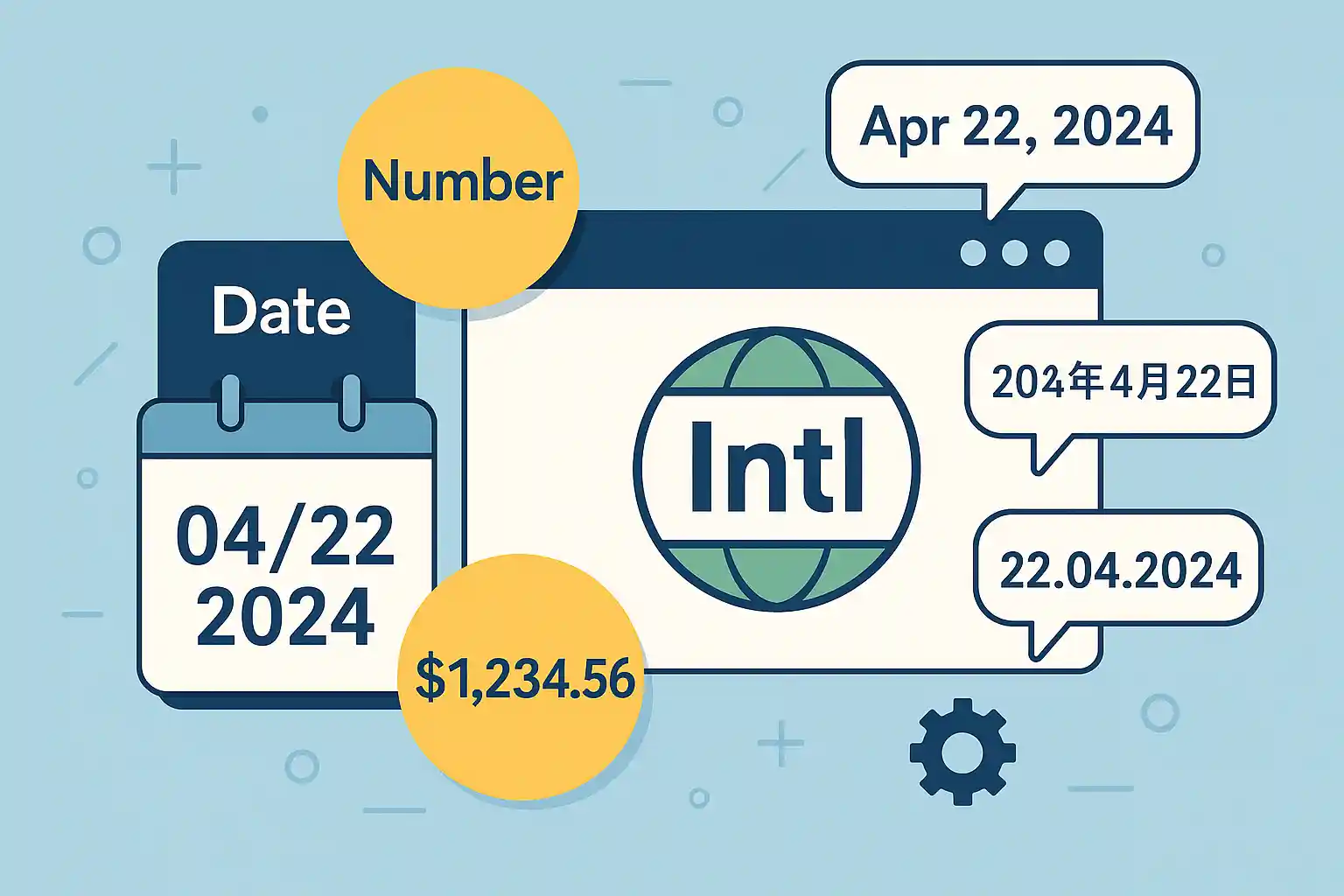
日付や数値の表示をユーザーの地域・言語に合わせるには、JavaScript標準の Intl(Internationalization)API が便利です。自前でロジックを組まなくても、ロケールを指定するだけで日付・数値・通貨・相対時刻を正しい形式に整形できます。この記事では Intl の主要メンバーを横断的に紹介し、タイムゾーンや再利用といった実務の勘所まで解説します。
Intl.DateTimeFormatでの日付・時刻とタイムゾーン指定Intl.NumberFormatの通貨・パーセント・compact(1.2万)・unitIntl.RelativeTimeFormat(昨日/明日)とIntl.ListFormatformatToPartsでの部品取得とカスタム整形- フォーマッタを再利用するパフォーマンス対策
new Intl.DateTimeFormat(locale, options) / new Intl.NumberFormat(locale, options) を作って .format() します。日本時間で固定するなら timeZone: "Asia/Tokyo"、ユーザーのロケールに合わせるなら navigator.language を渡します。同じ設定で何度も使うならフォーマッタを使い回すのが鉄則です。Intl APIとは
Intl は国際化対応のための標準オブジェクト群です。日付・数値・通貨・相対時刻・リスト・複数形などをロケール(ja-JP、en-US など)に応じて整形できます。ユーザーのブラウザ設定の言語は navigator.language で取得できます。
const locale = navigator.language; // 例: "ja" や "en-US"
console.log(new Intl.NumberFormat(locale).format(1234567));
日付・時刻:Intl.DateTimeFormat
ロケールに従って日付を整形します。オプションで表示形式を細かく制御できます。
const now = new Date();

console.log(new Intl.DateTimeFormat('ja-JP').format(now)); // 2025/9/23
console.log(new Intl.DateTimeFormat('en-US').format(now)); // 9/23/2025

// オプションで詳細指定
const opts = { year: 'numeric', month: 'long', day: 'numeric', weekday: 'long' };
console.log(new Intl.DateTimeFormat('ja-JP', opts).format(now));
// 2025年9月23日火曜日

// 時刻
const timeOpts = { hour: '2-digit', minute: '2-digit', second: '2-digit' };
console.log(new Intl.DateTimeFormat('en-GB', timeOpts).format(now)); // 14:05:09
new Date() は閲覧者のPCのタイムゾーンに依存します。「日本時間で表示」を保証するには timeZone を指定します。const opts = { timeZone: 'Asia/Tokyo', hour: '2-digit', minute: '2-digit' };
console.log(new Intl.DateTimeFormat('ja-JP', opts).format(new Date()));
// 端末のタイムゾーンに関わらず日本時間(例: 14:05)
日付フォーマットのゼロ埋め・ISO 8601・Temporal API までの網羅は日付のフォーマットを変換する完全ガイド、Date オブジェクトの基本は日付を取得する方法、タイムゾーンの考え方は時間帯・曜日・期間で表示を切り替える完全ガイドも参照してください。
数値・通貨・パーセント:Intl.NumberFormat
数値を桁区切りや通貨・パーセントで整形します。ロケールで区切り文字も自動で変わります。
const number = 1234567.89;
console.log(new Intl.NumberFormat('ja-JP').format(number)); // 1,234,567.89
console.log(new Intl.NumberFormat('de-DE').format(number)); // 1.234.567,89

// 通貨
console.log(new Intl.NumberFormat('ja-JP', { style: 'currency', currency: 'JPY' }).format(5000)); // ¥5,000
console.log(new Intl.NumberFormat('en-US', { style: 'currency', currency: 'USD' }).format(5000)); // $5,000.00

// パーセント
console.log(new Intl.NumberFormat('en-US', { style: 'percent', minimumFractionDigits: 2 }).format(0.256)); // 25.60%
3桁カンマ区切り・小数桁の制御・
toLocaleString との比較・パフォーマンスは数値を3桁カンマ区切りで表示する方法に詳しくまとめています。((1234).toLocaleString() も内部では Intl.NumberFormat を使っています。)compact(1.2万)と unit(5 km)
大きな数を「1.2万」「1.2M」のように省略表記したり、単位付きで表示したりもできます。
// compact(短縮表記)
console.log(new Intl.NumberFormat('ja-JP', { notation: 'compact' }).format(12000));   // 1.2万
console.log(new Intl.NumberFormat('en-US', { notation: 'compact' }).format(1200000)); // 1.2M

// unit(単位付き)
console.log(new Intl.NumberFormat('ja-JP', { style: 'unit', unit: 'kilometer' }).format(5)); // 5 km
相対時刻:Intl.RelativeTimeFormat
「昨日」「明日」「3日後」のような相対表現を、ロケールに合わせて生成できます。numeric: "auto" にすると、可能なときは「昨日」のような語に置き換わります。
const rtf = new Intl.RelativeTimeFormat('ja-JP', { numeric: 'auto' });

console.log(rtf.format(-1, 'day')); // 昨日
console.log(rtf.format(1, 'day'));  // 明日
console.log(rtf.format(-3, 'hour')); // 3 時間前
その他の便利なメンバー(ListFormat ほか)
配列を自然な文として連結する Intl.ListFormat も便利です。
const lf = new Intl.ListFormat('ja-JP', { style: 'long', type: 'conjunction' });
console.log(lf.format(['赤', '青', '緑'])); // 赤、青、緑
このほか、複数形を扱う Intl.PluralRules、文字列を書記素単位で区切る Intl.Segmenter もあります。Segmenter を使った文字列分割は文字列を句読点ごとに分割する方法(Intl.Segmenter対応)で扱っています。
formatToParts でカスタム整形
整形結果を部品(年・月・通貨記号など)ごとに取り出したいときは formatToParts を使います。一部だけ装飾する、独自レイアウトに組み込む、といった用途に向きます。
const parts = new Intl.NumberFormat('ja-JP', { style: 'currency', currency: 'JPY' })
  .formatToParts(5000);

// [{type:'currency', value:'¥'}, {type:'integer', value:'5'}, ...]
const symbol = parts.find((p) => p.type === 'currency').value; // ¥
console.log(symbol);
パフォーマンス:フォーマッタは使い回す
new Intl.* を作らないIntl のフォーマッタ生成はコストが高い処理です。ループや頻繁な再描画の中で毎回 new Intl.NumberFormat(...) を作ると遅くなります。一度作ったインスタンスを使い回しましょう。// NG: ループ内で毎回生成
for (const n of numbers) {
console.log(new Intl.NumberFormat('ja-JP').format(n)); // 毎回生成は遅い
}
// OK: 一度だけ作って使い回す
const nf = new Intl.NumberFormat('ja-JP');
for (const n of numbers) {
console.log(nf.format(n));
}
よくある質問(FAQ)
new Intl.DateTimeFormat('ja-JP', { year: 'numeric', month: 'long', day: 'numeric' }).format(date) で「2025年9月23日」形式になります。weekday: 'long' を足せば曜日も付きます。timeZone: 'Asia/Tokyo' を指定します。new Date() は閲覧者のタイムゾーン依存のため、固定したい場合は必ず timeZone を渡してください。new Intl.NumberFormat('ja-JP', { style: 'currency', currency: 'JPY' }).format(amount) で「¥1,234」形式になります。数値整形の詳細は数値を3桁カンマ区切りで表示する方法を参照してください。new Intl.RelativeTimeFormat('ja', { numeric: 'auto' }) を作り、.format(-1, 'day') で「昨日」、.format(3, 'day') で「3日後」のように生成できます。Intl のフォーマッタ生成は重い処理です。ループや再描画のたびに new Intl.* を作らず、一度作ったインスタンスを使い回してください。まとめ
- 日付:
Intl.DateTimeFormat。日本時間固定はtimeZone: "Asia/Tokyo" - 数値・通貨:
Intl.NumberFormat(compact・unit も)。深掘りは9097へ - 相対時刻:
Intl.RelativeTimeFormat(昨日/明日) - リスト・部品取得:
Intl.ListFormat/formatToParts - パフォーマンス:フォーマッタは使い回す
Intl は追加ライブラリなしで使える標準APIです。ロケールとタイムゾーンを意識すれば、グローバル対応の表示を簡潔に実装できます。