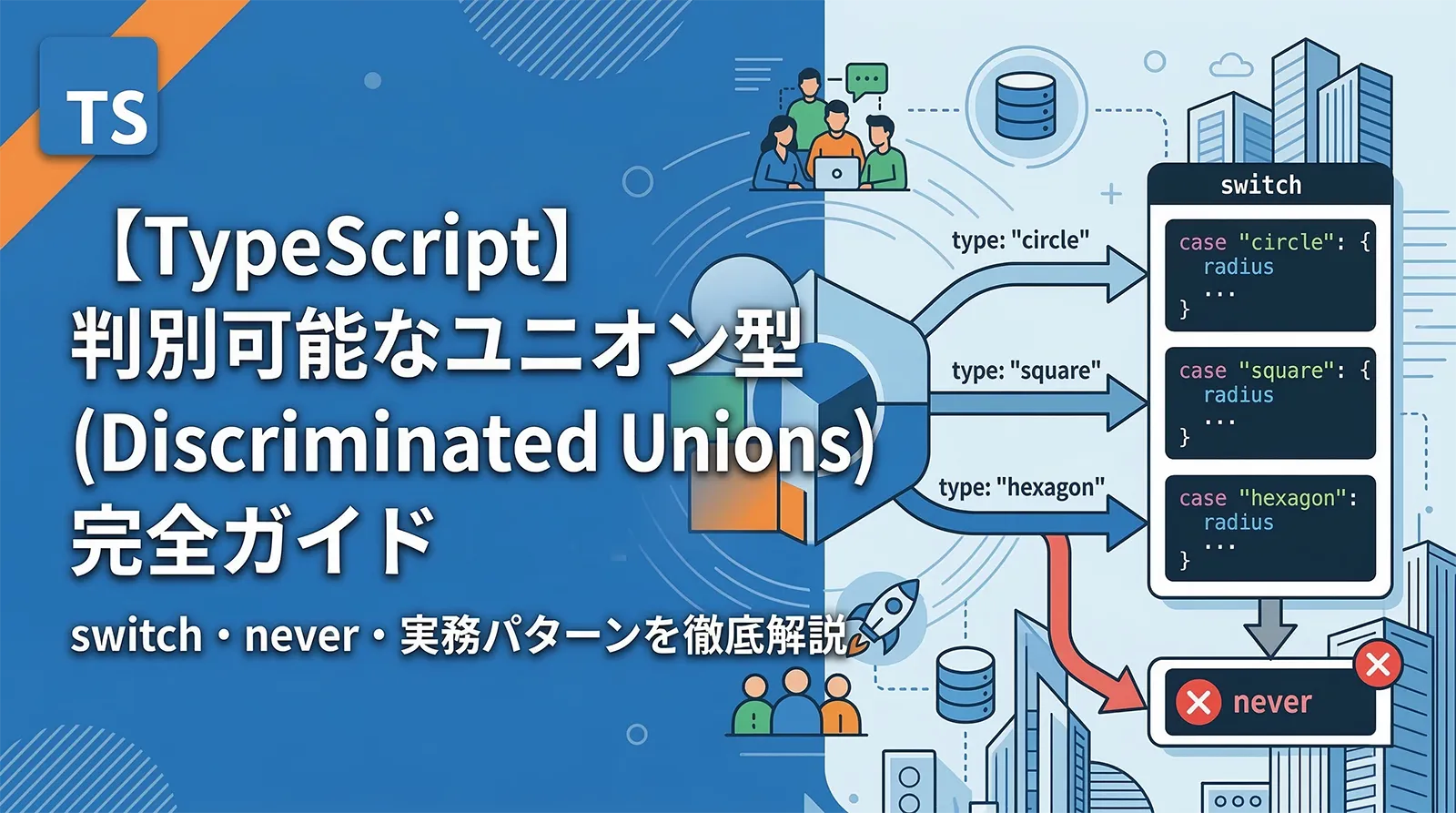
判別可能なユニオン型(Discriminated Unions)は、TypeScriptで最も強力なパターンの一つです。共通のリテラル型プロパティ(discriminant)を使ってユニオン型を安全に絞り込み、switch 文と組み合わせることで網羅性チェック(exhaustive check)まで実現できます。
Reduxのアクション型定義、APIレスポンスの型設計、エラーハンドリングなど、実務での活用場面は無数にあります。本記事では基本から実務パターンまで、実例コードで徹底解説します。
判別可能なユニオン型とは
判別可能なユニオン型は、以下の3つの要素で構成されます:
- 共通のリテラル型プロパティ(discriminant)を持つ複数の型
- これらの型を結合したユニオン型
- discriminant を判定する型ガード(if / switch)
// ① 各型に共通の "kind" プロパティ(discriminant)を定義
interface Circle {
  kind: "circle";     // リテラル型
  radius: number;
}

interface Rectangle {
  kind: "rectangle";  // リテラル型
  width: number;
  height: number;
}

interface Triangle {
  kind: "triangle";   // リテラル型
  base: number;
  height: number;
}

// ② ユニオン型に結合
type Shape = Circle | Rectangle | Triangle;

// ③ kind を見て型を絞り込む
function area(shape: Shape): number {
  switch (shape.kind) {
    case "circle":    return Math.PI * shape.radius ** 2;
    case "rectangle": return shape.width * shape.height;
    case "triangle":  return (shape.base * shape.height) / 2;
  }
}
① リテラル型(文字列・数値・真偽値のいずれか)であること
② ユニオン内のすべての型に存在する共通プロパティであること
③ 各型で値がユニークであること
基本構文(discriminant プロパティ)
discriminant として最もよく使われるのは type や kind という名前の文字列リテラル型プロパティです。名前自体に決まりはなく、プロジェクトの規約に合わせて選びます。
// type プロパティを discriminant にする例
type PaymentMethod =
  | { type: "credit_card"; cardNumber: string; expiry: string }
  | { type: "bank_transfer"; bankCode: string; accountNumber: string }
  | { type: "crypto"; walletAddress: string; currency: "BTC" | "ETH" };

function processPayment(payment: PaymentMethod) {
  if (payment.type === "credit_card") {
    // payment は { type: "credit_card"; cardNumber: string; expiry: string } に絞り込まれる
    console.log(`カード: ${payment.cardNumber}`);
  } else if (payment.type === "bank_transfer") {
    console.log(`銀行: ${payment.bankCode}-${payment.accountNumber}`);
  } else {
    // payment は { type: "crypto"; ... } に絞り込まれる
    console.log(`仮想通貨: ${payment.currency}`);
  }
}
数値リテラルを discriminant に使うこともできます:
// HTTP ステータスコードを discriminant に
type ApiResult =
  | { status: 200; data: unknown }
  | { status: 400; error: string }
  | { status: 401; redirectTo: string }
  | { status: 500; message: string; stack?: string };

function handleResult(result: ApiResult) {
  switch (result.status) {
    case 200: return result.data;
    case 400: console.error(result.error); break;
    case 401: window.location.href = result.redirectTo; break;
    case 500: console.error(result.message, result.stack); break;
  }
}
switch 文との組み合わせ
判別可能なユニオン型は switch 文と組み合わせたとき最大の力を発揮します。TypeScriptは各 case ブランチ内で型を自動的に絞り込みます。
type Notification =
  | { type: "email";   to: string; subject: string; body: string }
  | { type: "sms";     to: string; message: string }
  | { type: "push";    deviceToken: string; title: string; body: string }
  | { type: "webhook"; url: string; payload: Record<string, unknown> };

function sendNotification(n: Notification): void {
  switch (n.type) {
    case "email":
      // n: { type: "email"; to: string; subject: string; body: string }
      sendEmail(n.to, n.subject, n.body);
      break;

    case "sms":
      // n: { type: "sms"; to: string; message: string }
      sendSms(n.to, n.message);
      break;

    case "push":
      sendPush(n.deviceToken, n.title, n.body);
      break;

    case "webhook":
      fetch(n.url, { method: "POST", body: JSON.stringify(n.payload) });
      break;
  }
}
各
case 内でプロパティの補完が効き、存在しないプロパティへのアクセスはコンパイルエラーになります。たとえば case "sms" ブランチ内で n.subject(email専用)にアクセスしようとするとエラーです。never による exhaustive チェック
TypeScriptの never 型を使うと、ユニオン型のすべてのケースを処理しているかをコンパイル時に強制検証できます。これを exhaustive check(網羅性チェック)と呼びます。
// exhaustive チェック用ヘルパー関数
function assertNever(value: never): never {
  throw new Error(`予期しない値: ${JSON.stringify(value)}`);
}

type Shape = Circle | Rectangle | Triangle;

function area(shape: Shape): number {
  switch (shape.kind) {
    case "circle":    return Math.PI * shape.radius ** 2;
    case "rectangle": return shape.width * shape.height;
    case "triangle":  return (shape.base * shape.height) / 2;
    default:
      // すべてのケースを処理済みなら shape は never 型になる
      return assertNever(shape); // OK
  }
}
新しいケース(Ellipse)を追加したとき、assertNever がなければ見落とします:
// 新しい型を追加
interface Ellipse {
  kind: "ellipse";
  radiusX: number;
  radiusY: number;
}

type Shape = Circle | Rectangle | Triangle | Ellipse; // Ellipse 追加

function area(shape: Shape): number {
  switch (shape.kind) {
    case "circle":    return Math.PI * shape.radius ** 2;
    case "rectangle": return shape.width * shape.height;
    case "triangle":  return (shape.base * shape.height) / 2;
    // case "ellipse" が未処理!
    default:
      return assertNever(shape);
      // コンパイルエラー:
      // Argument of type "Ellipse" is not assignable to parameter of type "never"
  }
}
すべての
case を処理すると default に到達できる型は never(空集合)になります。assertNever(never型の値) は問題なくコンパイルされます。一方、未処理のケースが残っていると never 以外の型が残り、assertNever 呼び出しでコンパイルエラーになります。never を使わずシンプルに書く方法もあります(関数の戻り値型を指定する):
// 戻り値型を明示する方法
function getLabel(shape: Shape): string {
  switch (shape.kind) {
    case "circle":    return `円(半径 ${shape.radius})`;
    case "rectangle": return `長方形(${shape.width}×${shape.height})`;
    case "triangle":  return `三角形`;
    // Ellipse 追加後、ここで戻り値が string | undefined になりコンパイルエラー
  }
}
// エラー: Function lacks ending return statement and return type does not include undefined
実務パターン① Redux アクション型
判別可能なユニオン型はReduxのアクション定義で定番パターンです。reducer の switch でアクションを処理するとき、自動的に型が絞り込まれます。
// アクション型定義
type CounterAction =
  | { type: "INCREMENT" }
  | { type: "DECREMENT" }
  | { type: "SET"; payload: number }
  | { type: "RESET" };

interface CounterState {
  count: number;
  history: number[];
}

const initialState: CounterState = { count: 0, history: [] };

function counterReducer(
  state = initialState,
  action: CounterAction
): CounterState {
  switch (action.type) {
    case "INCREMENT":
      return { count: state.count + 1, history: [...state.history, state.count] };

    case "DECREMENT":
      return { count: state.count - 1, history: [...state.history, state.count] };

    case "SET":
      // action.payload は number 型として自動絞り込み
      return { count: action.payload, history: [...state.history, state.count] };

    case "RESET":
      return initialState;

    default:
      return assertNever(action);
  }
}

// アクションクリエイター
const increment = (): CounterAction => ({ type: "INCREMENT" });
const set = (n: number): CounterAction => ({ type: "SET", payload: n });
実務パターン② Result 型(成功・失敗)
Result 型は、例外の代わりに成功・失敗を型で表現するパターンです。Rust の Result<T, E> を TypeScript で再現できます。
// Result 型の定義
type Result<T, E = Error> =
  | { success: true;  value: T }
  | { success: false; error: E };

// ヘルパー関数
const ok  = <T>(value: T): Result<T, never> => ({ success: true, value });
const err = <E>(error: E): Result<never, E>  => ({ success: false, error });

// 使用例
async function fetchUser(id: number): Promise<Result<User, string>> {
  try {
    const res = await fetch(`/api/users/${id}`);
    if (!res.ok) return err(`HTTP ${res.status}`);
    const data = await res.json();
    return ok(data as User);
  } catch (e) {
    return err(`ネットワークエラー: ${e}`);
  }
}

// 呼び出し側
const result = await fetchUser(1);

if (result.success) {
  // result.value は User 型
  console.log(result.value.name);
} else {
  // result.error は string 型
  console.error(result.error);
}
① try-catch を使わず関数型スタイルで書ける ② エラー処理の忘れをコンパイル時に検出できる ③ エラーの型を明示できる(
string・カスタムエラー型など)実務パターン③ API レスポンス状態管理
React などのフロントエンドでよく使われる「ローディング・成功・エラー」の状態を型安全に管理できます。
// 非同期状態を判別可能なユニオン型で表現
type AsyncState<T> =
  | { status: "idle" }
  | { status: "loading" }
  | { status: "success"; data: T }
  | { status: "error";   message: string };

// React コンポーネントでの使用例
interface User { id: number; name: string; avatar: string }

function UserProfile({ state }: { state: AsyncState<User> }) {
  switch (state.status) {
    case "idle":
      return <p>データを読み込んでいません</p>;

    case "loading":
      return <Spinner />;

    case "success":
      // state.data は User 型
      return (
        <div>
          <img src={state.data.avatar} alt={state.data.name} />
          <h2>{state.data.name}</h2>
        </div>
      );

    case "error":
      // state.message は string 型
      return <ErrorMessage text={state.message} />;

    default:
      return assertNever(state);
  }
}
// カスタムフック
function useUserData(id: number) {
  const [state, setState] = useState<AsyncState<User>>({ status: "idle" });

  useEffect(() => {
    setState({ status: "loading" });
    fetch(`/api/users/${id}`)
      .then(r => r.json())
      .then(data => setState({ status: "success", data }))
      .catch(e => setState({ status: "error", message: e.message }));
  }, [id]);

  return state;
}
ネストと組み合わせ
ネストした判別可能なユニオン型
// フォームの各フィールドをユニオン型で表現
type FormField =
  | { kind: "text";     value: string; minLength?: number }
  | { kind: "number";   value: number; min?: number; max?: number }
  | { kind: "select";   value: string; options: string[] }
  | { kind: "checkbox"; value: boolean; label: string };

interface Form {
  fields: Record<string, FormField>;
}

function validateField(field: FormField): string | null {
  switch (field.kind) {
    case "text":
      if (field.minLength && field.value.length < field.minLength)
        return `${field.minLength}文字以上入力してください`;
      return null;

    case "number":
      if (field.min !== undefined && field.value < field.min)
        return `${field.min} 以上の値を入力してください`;
      if (field.max !== undefined && field.value > field.max)
        return `${field.max} 以下の値を入力してください`;
      return null;

    case "select":
      if (!field.options.includes(field.value))
        return "有効な選択肢を選んでください";
      return null;

    case "checkbox":
      return null;

    default:
      return assertNever(field);
  }
}
ジェネリクスとの組み合わせ
// ジェネリクスで汎用的な状態型を作成
type RequestState<T, E = string> =
  | { type: "pending" }
  | { type: "fulfilled"; payload: T }
  | { type: "rejected";  error: E };

// 具体的な型として利用
type UserState    = RequestState<User>;
type ProductState = RequestState<Product, { code: number; message: string }>;

// 汎用的な処理関数
function getPayload<T, E>(state: RequestState<T, E>): T | null {
  return state.type === "fulfilled" ? state.payload : null;
}
ジェネリクスの詳細は ジェネリクス(Generics)完全ガイド を参照してください。
設計のコツと注意点
string や number をdiscriminantに使っても型の絞り込みは起きません。必ず "circle" のようなリテラル型を使ってください。// BAD: string 型は discriminant にならない
type Bad =
| { kind: string; radius: number } // string → 絞り込み不可
| { kind: string; width: number };
// GOOD: リテラル型を使う
type Good =
| { kind: "circle"; radius: number }
| { kind: "rectangle"; width: number };
まとめ
判別可能なユニオン型はTypeScriptが最も輝くパターンです。discriminantを設計するだけで型の絞り込みが自動化され、assertNever を添えることで「ケース追加し忘れ」という実務でよくある凡ミスをコンパイル時に防止できます。
関連記事:
FAQ
Qdiscriminant のプロパティ名は何でもよいですか?
Aはい。type・kind・tag・variant など何でも構いません。ただしプロジェクト内で一貫した命名にすることを推奨します。最も一般的なのは type です。
Qユニオン型と通常の if-else どちらを使うべきですか?
A関連する型の集合を扱う場合は判別可能なユニオン型が圧倒的に優れています。TypeScriptによる自動絞り込み・補完・exhaustive チェックがすべて有効になるためです。単純な真偽値の条件分岐には if-else で十分です。
QassertNever を使わずに exhaustive チェックする方法はありますか?
ATypeScript 4.9以降では switch + satisfies never パターンも使えます。ただし最も簡潔で明示的なのは assertNever 関数で、多くのコードベースで採用されています。
Qクラスにも判別可能なユニオン型を使えますか?
Aはい。クラスに readonly kind = "circle" as const のようなプロパティを追加すれば判別可能なユニオン型として機能します。ただし interface/type によるシンプルな定義のほうが不変性が明確で推奨されます。
QResult 型は標準ライブラリにありますか?
ATypeScript標準にはありません。neverthrow・ts-results・oxide.ts などのライブラリがResult型を提供しています。小規模プロジェクトでは本記事のように自前定義で十分です。